In this article
- What does an AI stylist app actually do?
- 7 features the best AI stylist apps have in common
- Red flags to watch for in an AI stylist app
- Why Outfitual is our pick for the best AI stylist app
- The best alternatives to a personal stylist in 2026
- Who should use an AI stylist app?
- How to get started with Outfitual in five minutes
- Vanliga frågor
Kort svar
What is the best AI stylist app in 2026?
The best AI stylist app styles the clothes you already own, lets you preview outfits with virtual try-on and helps you plan what to wear. Outfitual combines all three in one app, with personal color suggestions, packing lists and cost-per-wear insights. It has a free Basic tier on iPhone and Android.
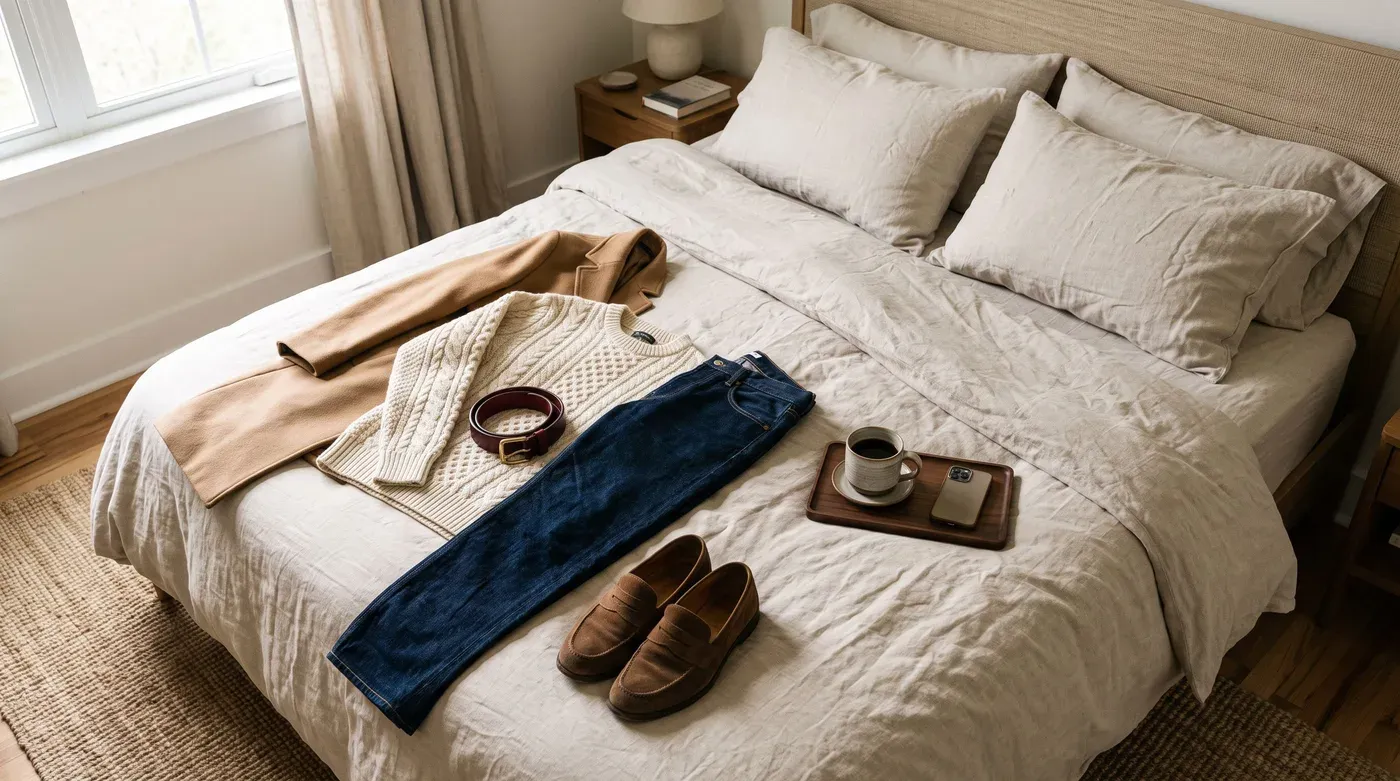
Open the wardrobe, stare for five minutes, put on the jeans you wore yesterday. Sound familiar? You’re probably not short on clothes. The UN Environment Programme notes that the number of times a garment is worn has declined by 36 per cent in 15 years (opens in a new tab). Most of us have plenty of options. What we lack is a quick way to see them.
That’s the problem an AI stylist app should solve. But “AI stylist” now gets stuck on everything from shopping feeds to chatbots that have never seen your closet. So here’s our honest guide to what the best AI stylist app should do in 2026, how it compares with the alternatives, and why we think Outfitual deserves a spot on your phone. Yes, we built it, so we’ll show our reasoning and let you judge.
What does an AI stylist app actually do?
An AI stylist app is a digital wardrobe with a styling brain attached. You add photos of your clothes, and the app helps you combine them, suggests what to wear for an occasion and, in the better apps, shows how a look might appear on you before you get dressed. The good ones do three jobs:
- Organize: every piece you own, searchable by category and color.
- Suggest: outfit ideas built from your actual wardrobe, not a generic trend feed.
- Visualize: an AI try-on preview using a photo of you.
Planners, packing lists and color analysis build on those foundations. If an app skips the first job, it’s really a shopping app in a stylist costume.
7 features the best AI stylist apps have in common
Use this checklist whenever you compare AI fashion apps. We’ve noted how Outfitual handles each point.
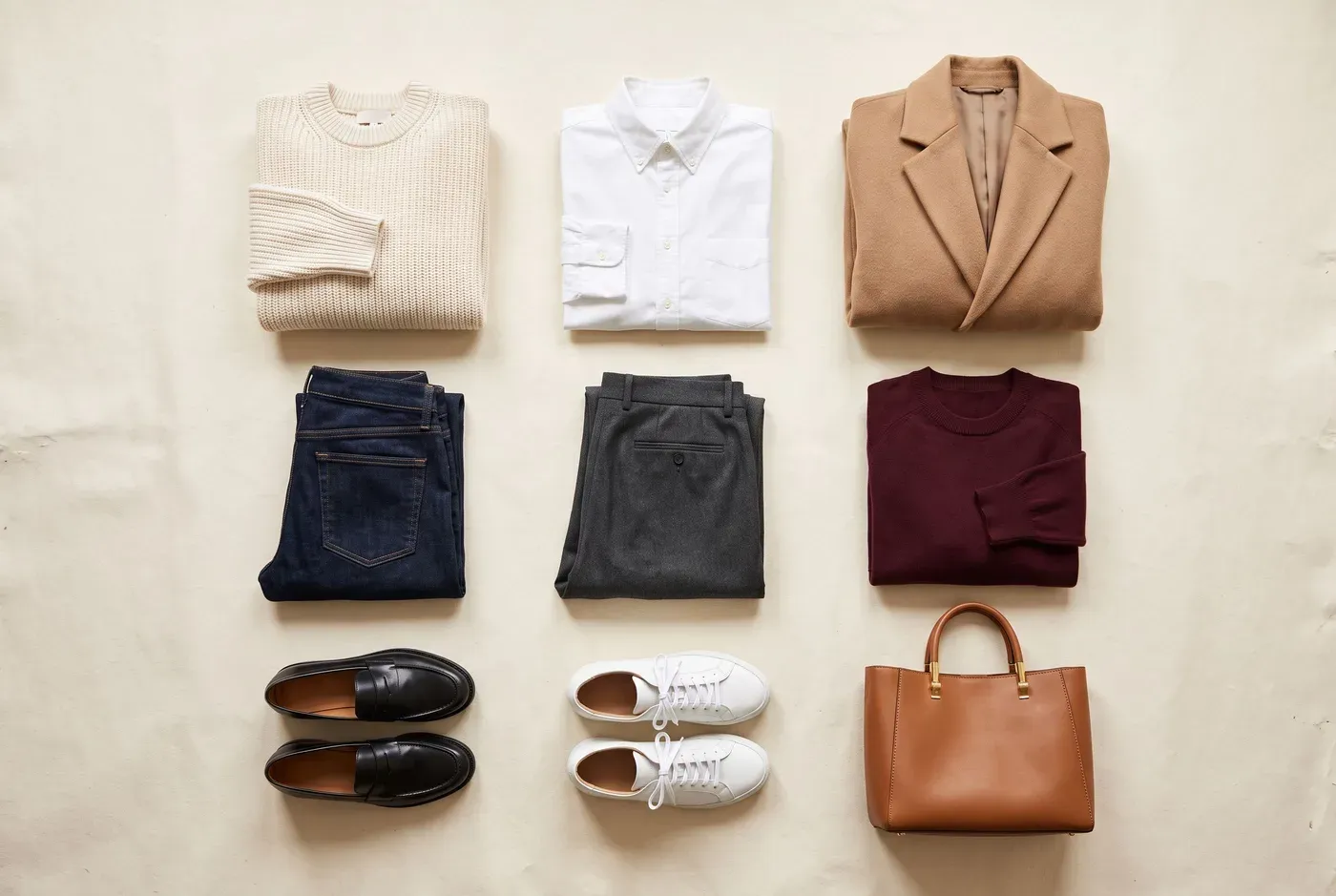
1. It starts with the clothes you already own
A stylist that only recommends new purchases isn’t saving you time or money. Look for a proper digital wardrobe where you can add pieces from photos, product shots or screenshots, then sort them by category, color and brand. In Outfitual, you can crop an outfit photo down to one piece. On compatible iPhones, you can also scan the photos you choose for clothing. Extraction runs on your device, and you approve every piece before it’s saved.
2. Virtual try-on you can compare side by side
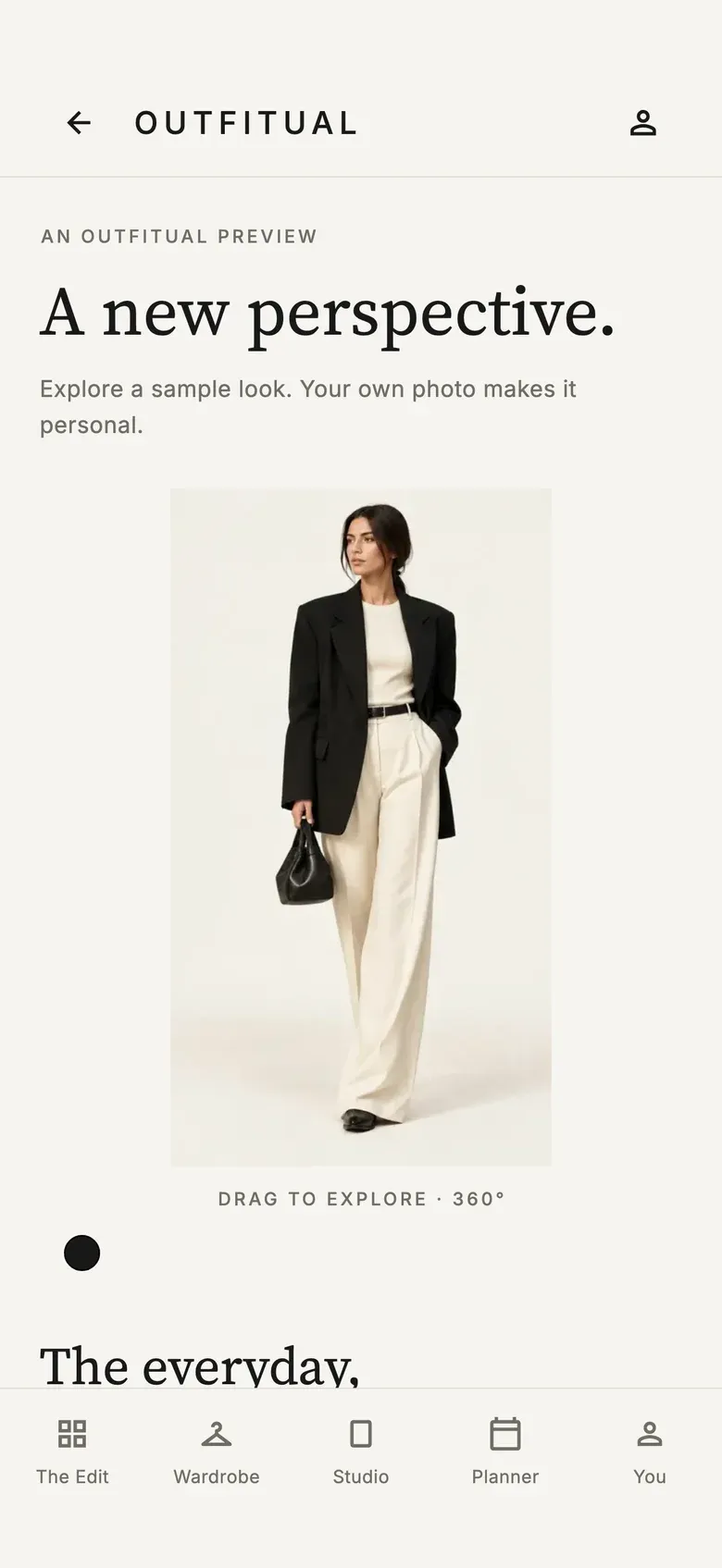
AI clothes try-on is the feature that makes styling apps feel like magic, as long as it’s honest. The best versions use your own photo, combine several pieces into one look and let you compare the preview with your original. Outfitual’s Studio does exactly that, and Pro members can explore an optional 360° rotation. Any try-on is a visual approximation, though, not a size guarantee.
3. A stylist you can actually talk to
Real styling questions sound like “What goes with these green trousers?” or “Something for a rooftop dinner that isn’t a dress?” A good AI stylist understands plain language, knows what’s in your wardrobe, builds a look around one specific piece and gives constructive outfit feedback when you’re unsure.
4. Personal color guidance
Color is where outfits quietly succeed or fail. Look for an app that suggests a personal color palette from a photo and explains which shades work together. Outfitual’s color suggestions are a helpful starting point, though lighting affects results.
5. An outfit planner and packing lists
Planning is where an app earns its place on your home screen. You should be able to drop saved looks onto a calendar, log what you actually wore and build packing lists for trips.
6. Wardrobe insights such as cost per wear
Wear counts and cost per wear (an item’s price divided by the number of times you’ve worn it) turn vague guilt into useful information. Outfitual calculates it for every piece where you’ve added a price.
7. Privacy by default and a free way to start
Your wardrobe and photos are personal. Choose an app that keeps them private by default, asks before AI processing and lets you delete your account. You also shouldn’t have to pay before you know whether an app suits you. Outfitual’s Basic tier is free, with introductory AI try-ons and daily stylist messages, and optional Plus and Pro memberships add more.
Red flags to watch for in an AI stylist app
Not every app with “AI” in its name will help you get dressed. Be cautious if you notice any of these:
- Shopping first, styling second. If every suggestion is a product to buy, the app is built to sell, not to style.
- No way to add your own clothes. Without your wardrobe, advice stays generic.
- Promises of perfect fit. Virtual try-on is a preview. Be wary of any app that claims exact sizing.
- Unclear privacy. If it’s hard to find out what happens to your photos, look elsewhere.
- A paywall before you’ve tried anything. A good app lets you test the basics for free.
Why Outfitual is our pick for the best AI stylist app
We’re biased, so here’s the plain case. Most apps nail one or two points on that checklist. We designed Outfitual to cover all seven:
- Your wardrobe, AI stylist, fitting room and planner share the same data, so an idea can go from chat to try-on to calendar in a few taps.
- It works from your clothes first. Shopping is optional, and your wishlist lives separately.
- It’s built for real life: work, weekends, dinners and trips, for menswear, womenswear and everything in between.
- It’s honest about AI. Previews are labeled as approximations, and nothing is shared unless you choose to share it.
The best alternatives to a personal stylist in 2026
Not everyone needs an app, and not everyone needs a professional. Here’s how the most common personal stylist alternatives compare:
| Option | Best for | Cost | Watch out for |
|---|---|---|---|
| AI stylist app (Outfitual) | Daily outfit ideas, organizing, planning, previews | Free Basic tier, optional memberships | Try-on previews are not fit guarantees |
| Professional stylist | Big overhauls, events, hands-on fittings | Varies by stylist | Appointment-based, not for every morning |
| Screenshot folders | Collecting inspiration | Free | Rarely connects to what you own |
| A closet edit with a friend | A fun one-off refresh | Free, plus coffee | Hard to repeat every week |
When a human stylist is worth it
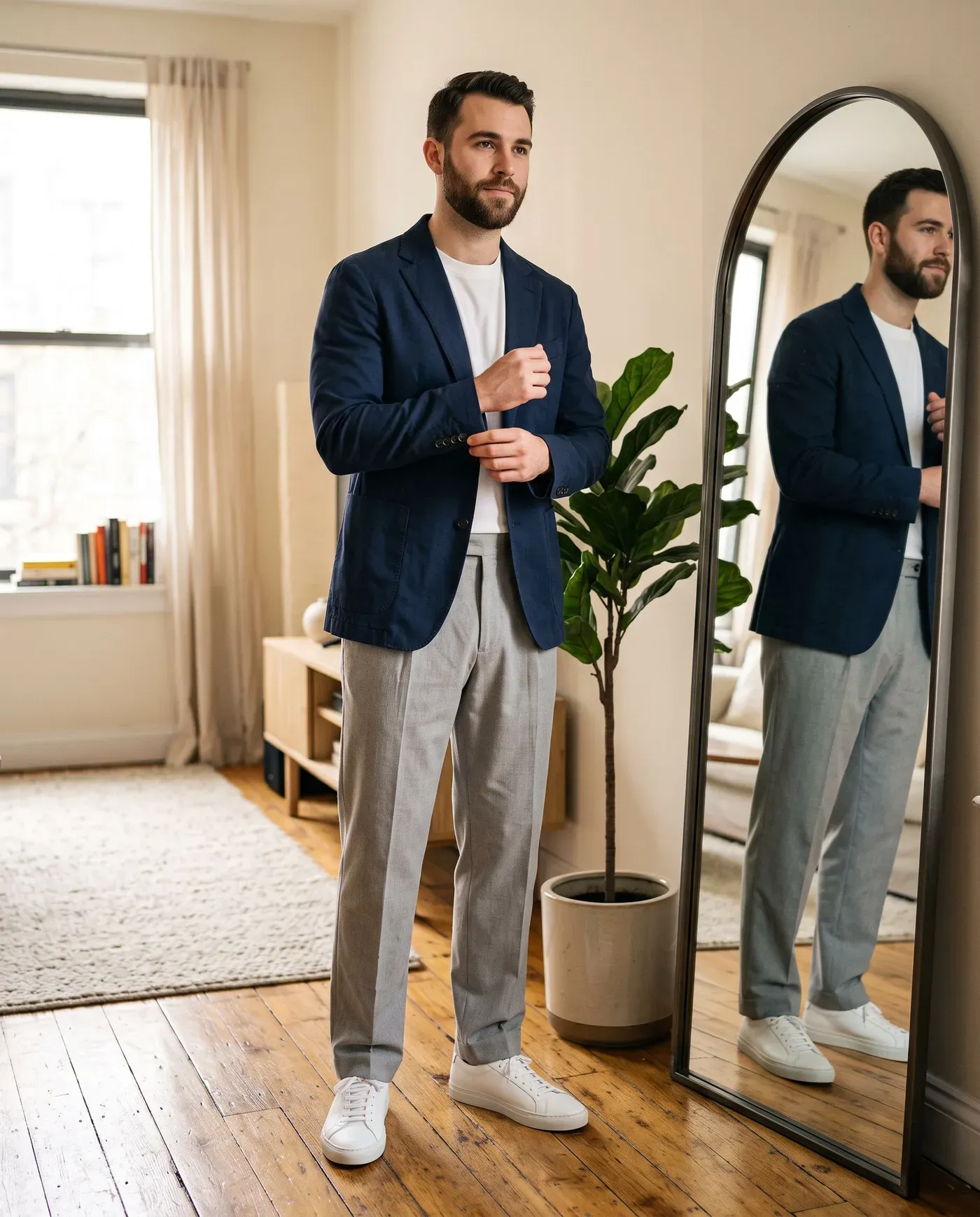
Dressing for a wedding, rebuilding your wardrobe after a big life change or needing expert fitting advice? A professional brings judgment an app can’t. Many people use both: a stylist for the big moments and an app for the everyday.
When an app is the smarter choice
For everyday decisions such as tomorrow’s outfit, restyling a piece or packing, an AI stylist app is faster and always available. It also helps you shop less. The Ellen MacArthur Foundation notes that every second, the equivalent of a rubbish truckload of clothes is burnt or buried in landfill (opens in a new tab). Wearing what you own more often is one of the simplest ways to help.

Who should use an AI stylist app?
- You own plenty of clothes but repeat the same few outfits.
- You want to shop less and style more.
- A new job, trip or event is coming up and you want a plan.
- You’re still defining your look. Our personal style guide can help.
How to get started with Outfitual in five minutes
- Download Outfitual from the App Store or Google Play. You can start as a guest.
- Pick the style directions and goals that suit you.
- Add five to ten favorite pieces from your photos.
- Ask your AI stylist for a first outfit idea.
- Try it on in the Studio with a full-length photo, then save it to your planner.
Want the detailed version? Follow our step-by-step guide to planning outfits with AI.
Vanliga frågor
Is there a free AI stylist app?
Yes. Outfitual has a free Basic tier with the digital wardrobe, outfit planning and introductory AI allowances for try-ons and stylist messages. Optional Plus and Pro memberships add more AI usage, and current prices appear in the App Store or Google Play before you buy.
Can an AI stylist app replace a personal stylist?
For everyday outfit ideas, organizing and planning, an AI stylist app covers most needs. A professional stylist is still valuable for hands-on fittings, major wardrobe overhauls and special events, and many people use both.
Does AI virtual try-on show my exact size and fit?
No. AI try-on creates a visual preview of how an outfit might look using your photo. It doesn’t measure your body or simulate fabric, so check the retailer’s size guide before buying.
How does an AI stylist know my style?
It learns from what you share. In Outfitual, you choose style directions and goals when you start, add your own clothes and describe occasions in plain language, so suggestions reflect your wardrobe and preferences.
Is Outfitual available on iPhone and Android?
Yes. Download Outfitual for iPhone from the App Store or for Android from Google Play. Sign in with the same account to keep your wardrobe in sync.
YOUR PERSONAL AI STYLIST
Your wardrobe, reimagined.
Outfitual brings your clothes, an AI stylist, virtual try-on and an outfit planner into one app. Start free today.



About the author
Deniz Güney is the founder of Outfitual and writes about AI styling and digital wardrobes, starting from one everyday question: “What can I wear with what I already own?” Learn about Outfitual.