From your wardrobe
Pick a top, bottoms and shoes you own and see the full outfit together.
Your virtual fitting room
Choose pieces from your wardrobe or a photo you love, and see the look on you. Compare, tweak and save the ones worth wearing.
Коротка відповідь
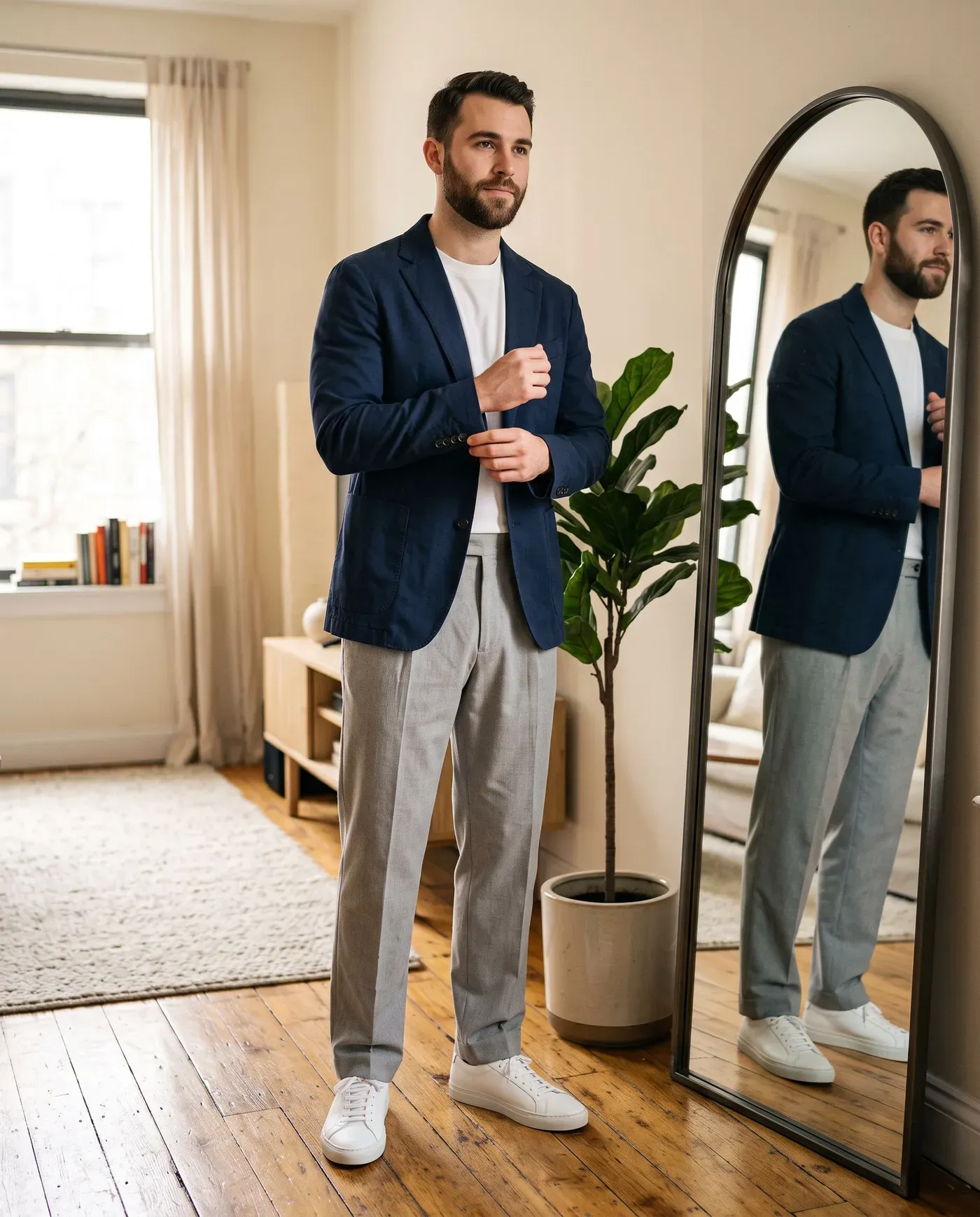
Add one clear, full-length photo of yourself. Then pick pieces from your wardrobe, or upload an outfit photo or screenshot. Outfitual’s AI creates a preview of you wearing the look, which you can compare with your original photo, save and plan for a day.
Pick a top, bottoms and shoes you own and see the full outfit together.
A screenshot, a shop picture or a look you saved. Try the whole outfit or just one piece.
Slide between your photo and the preview. Your picture keeps its framing, never awkwardly cropped.
Love the look? Create a 360° rotation video of it and share it.
How it works
One clear, full-length photo in good light. You can replace or remove it anytime.
Select wardrobe pieces and an occasion, or import a reference photo and crop to what you want.
Compare the result with your photo, save it to your looks and put it on the calendar.
Saw a look on Instagram, Pinterest or in a shop? Import the picture, crop it and tell Outfitual what to use: the entire outfit, or only the top, bottoms, dress, outerwear, shoes or accessories. Add a short note if something needs clarifying.
You don’t need a full wardrobe to start. Reference try-on works from your very first day in the app.
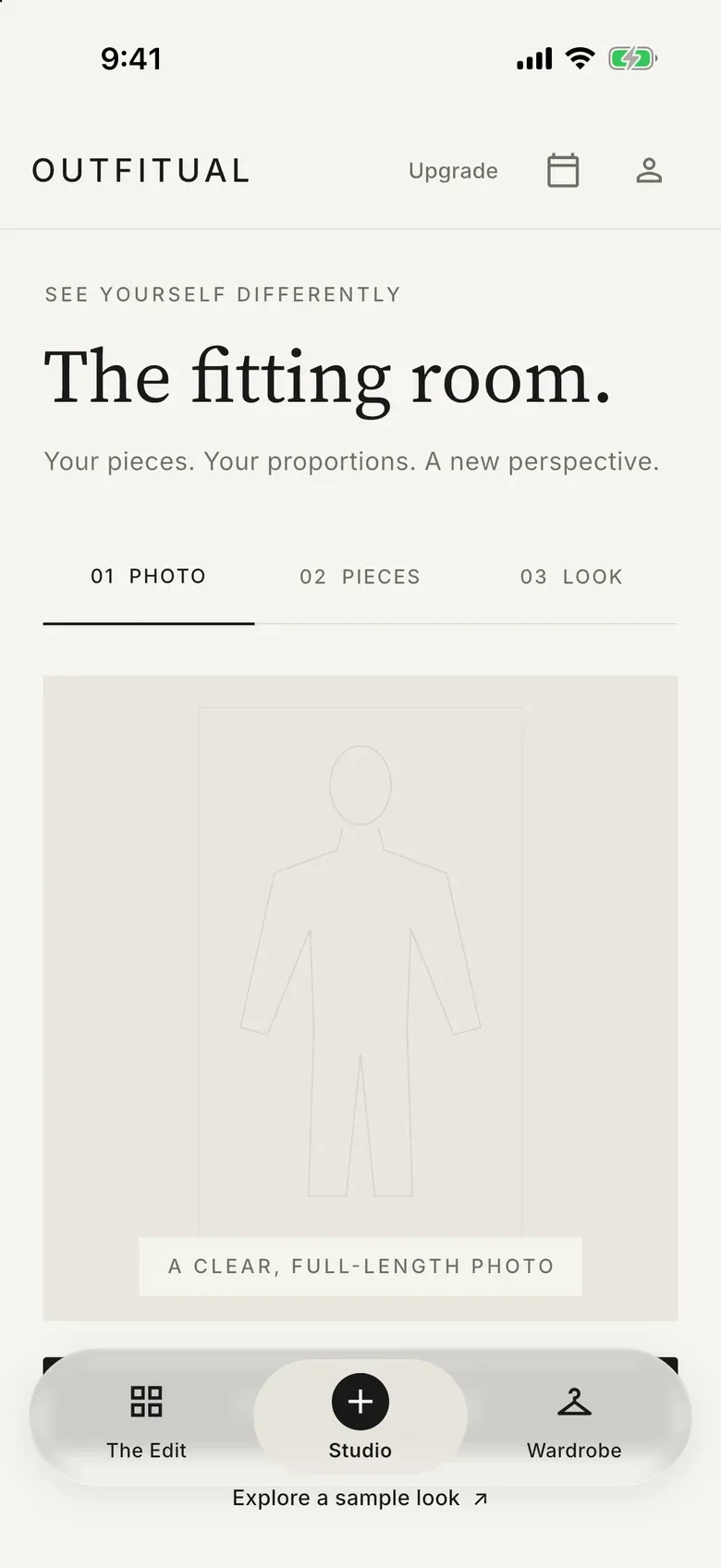
Stand against a plain wall in soft daylight, face the camera and keep your whole body in frame. Fitted clothes help the AI understand your proportions. Your photo stays private in your account, and you can remove it whenever you like.
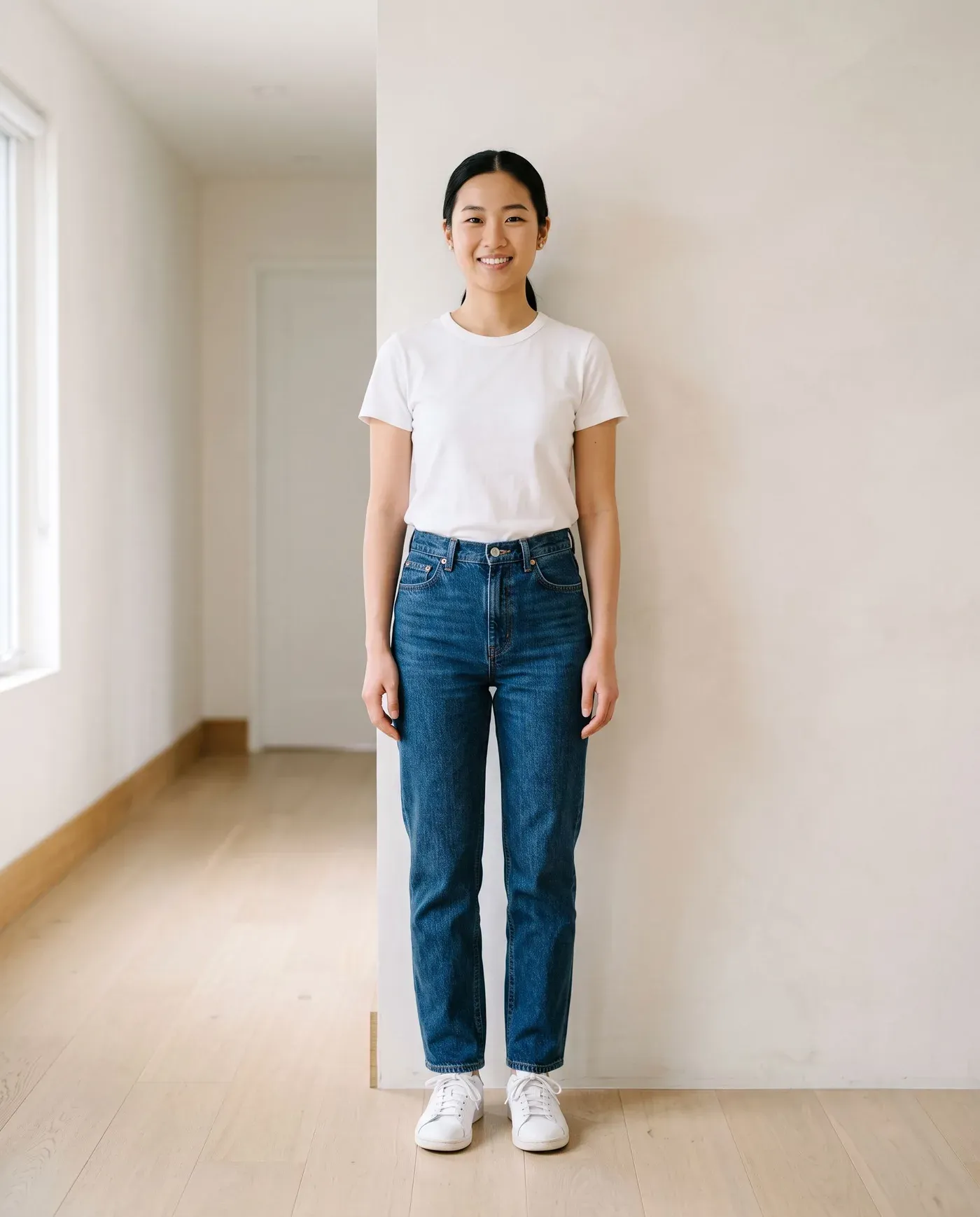
Keep favorite previews in your saved looks, group them into collections and assign them to days in your outfit planner. You can reuse a saved reference later to try it again with a different piece.
Questions
Yes. Upload or share a screenshot, product photo or outfit picture, crop it to the clothing and choose the entire outfit or a single category such as a top or shoes.
No. The preview helps you see how colors, shapes and proportions work together. It doesn’t measure your body or simulate fabric, so use the retailer’s size guide for fit.
A clear, full-length photo of you facing the camera in soft, even light against a plain background. Fitted clothing and a relaxed pose give the most natural results.
Yes. Save the image, share it with friends, post it to the Outfitual community or turn it into a 360° video for TikTok and Instagram Reels.
From the style blog
App guides · 7 دقائق للقراءة
The seven features that separate a genuinely useful AI stylist app from a gimmick, plus the smartest alternatives to hiring a personal stylist.
اقرأ المقال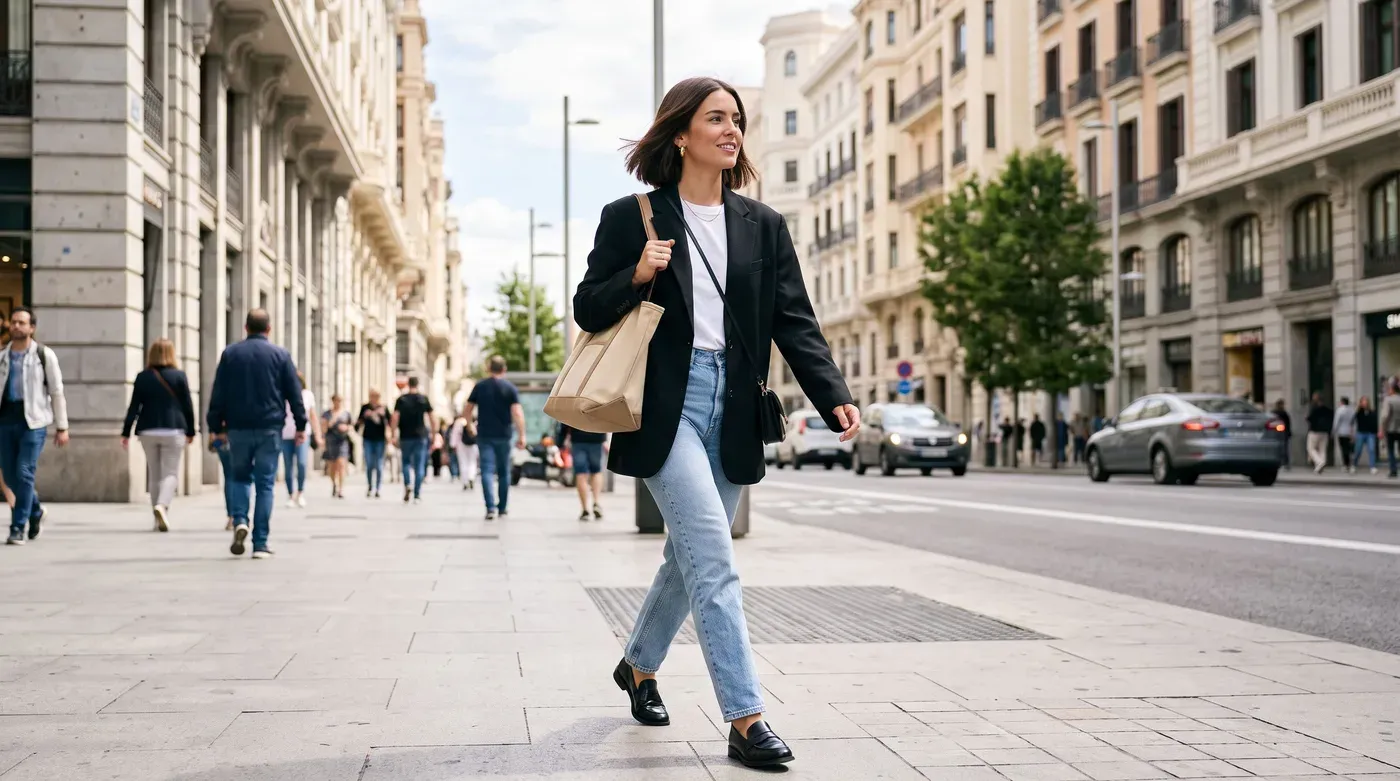
Outfit ideas · 5 دقائق للقراءة
One jacket, ten outfits. How to style a blazer for work, weekends and evenings, plus how it should fit and which color to buy first.
اقرأ المقال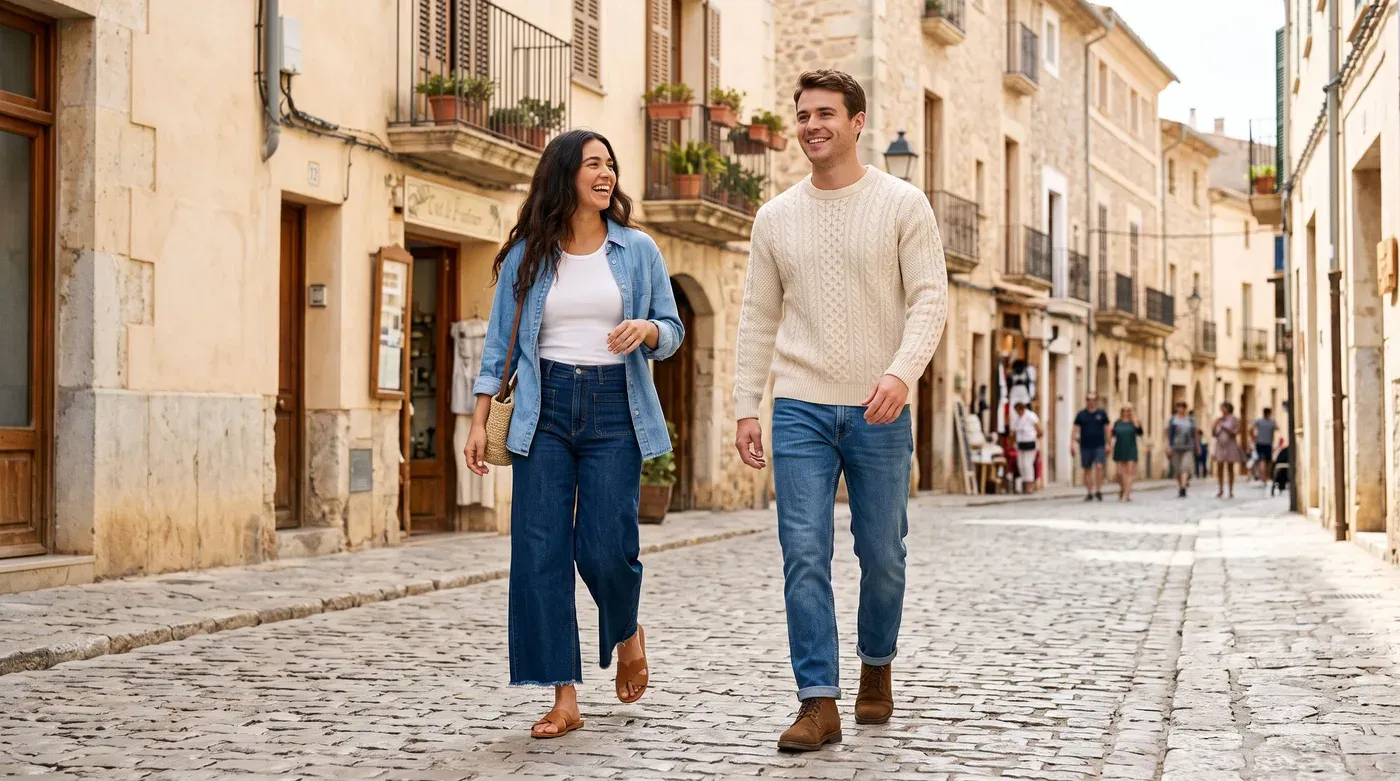
Outfit ideas · 5 دقائق للقراءة
Twelve easy jeans outfit formulas for work, weekends and evenings, plus the best shoes for skinny, straight and wide-leg jeans.
اقرأ المقالKeep exploring
Turn a saved look into a 360° rotation you can spin, save and share to TikTok or Instagram Reels.
Explore 360° outfit videosChat with a personal AI stylist that builds outfits from the clothes you already own.
Explore AI stylistYour whole closet in your pocket: add pieces in seconds, get clean cutouts and keep a separate wishlist.
Explore Digital wardrobeYour wardrobe, reimagined
Outfitual is coming to iPhone, Android and the web. Join the list and we’ll tell you the moment it’s ready.