Add in seconds
Take a photo, choose one from your library, paste an image or share it from another app.
Your digital wardrobe
Snap, crop and save. Outfitual turns your clothes into a tidy visual wardrobe you can search, style and plan with.

Коротка відповідь
A digital wardrobe app keeps photos of your clothes in one place so you can see what you own, find pieces quickly and build outfits on your phone. Outfitual adds clean AI cutouts, automatic categories, a wishlist and an AI stylist that uses your wardrobe.
Take a photo, choose one from your library, paste an image or share it from another app.
AI cleanup removes the background, or even the person wearing it, for a crisp catalog look.
Category and color, plus optional brand, price, notes and the link where you found it.
Save pieces you’re considering without mixing them into what you own.
How it works
Lay it flat or hang it up in daylight. Or use a product photo you already have.
Crop to one garment, check the name, category and color, and save.
Ask your stylist, build a combination or try it on in Studio.
Photograph a piece with your camera, pick a photo from your library or paste an image. On iPhone, you can also share a picture straight from Photos, a shop’s app, Instagram or Pinterest to Outfitual and choose “Add to wardrobe”.
Have lots of outfit photos already? Find clothes in your photos scans the pictures you choose and suggests the pieces it finds, right on your iPhone.

Optional AI cleanup turns a quick snapshot into a clean, transparent cutout, even from a photo of you wearing the piece. It can also suggest the category, so tops, outerwear, bottoms, dresses, shoes, bags and accessories land on the right shelf.
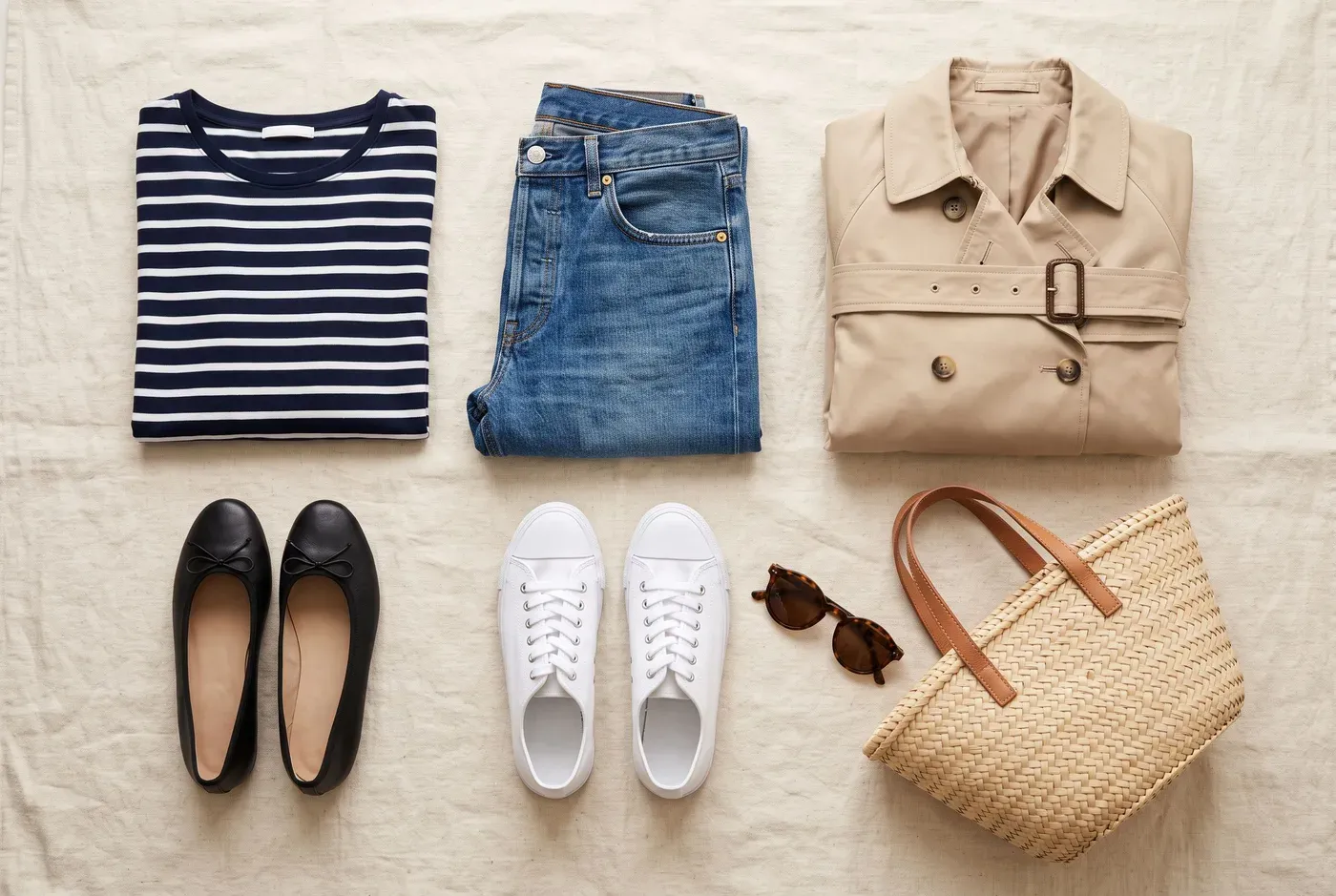
Mark pieces you’re thinking about as wishlist, keep the shop link and see how they’d work with what you own before you buy. Add prices to your own pieces and wardrobe insights show your wardrobe’s value and the real cost per wear of each item.
Questions
Take a photo, choose one from your photo library, paste an image or share it from another app. Crop to the garment, confirm the category and color, and save. On iPhone you can also scan your photos for clothing.
Yes. Optional AI cleanup creates a clean cutout without the background or the person wearing the piece, and suggests a category.
Yes. Save pieces as wishlist instead of owned, add the shop link and try them with your wardrobe before deciding.
Yes. Add a price to a piece and log the days you wear it. Wardrobe insights calculate the cost per wear from your own records.
From the style blog
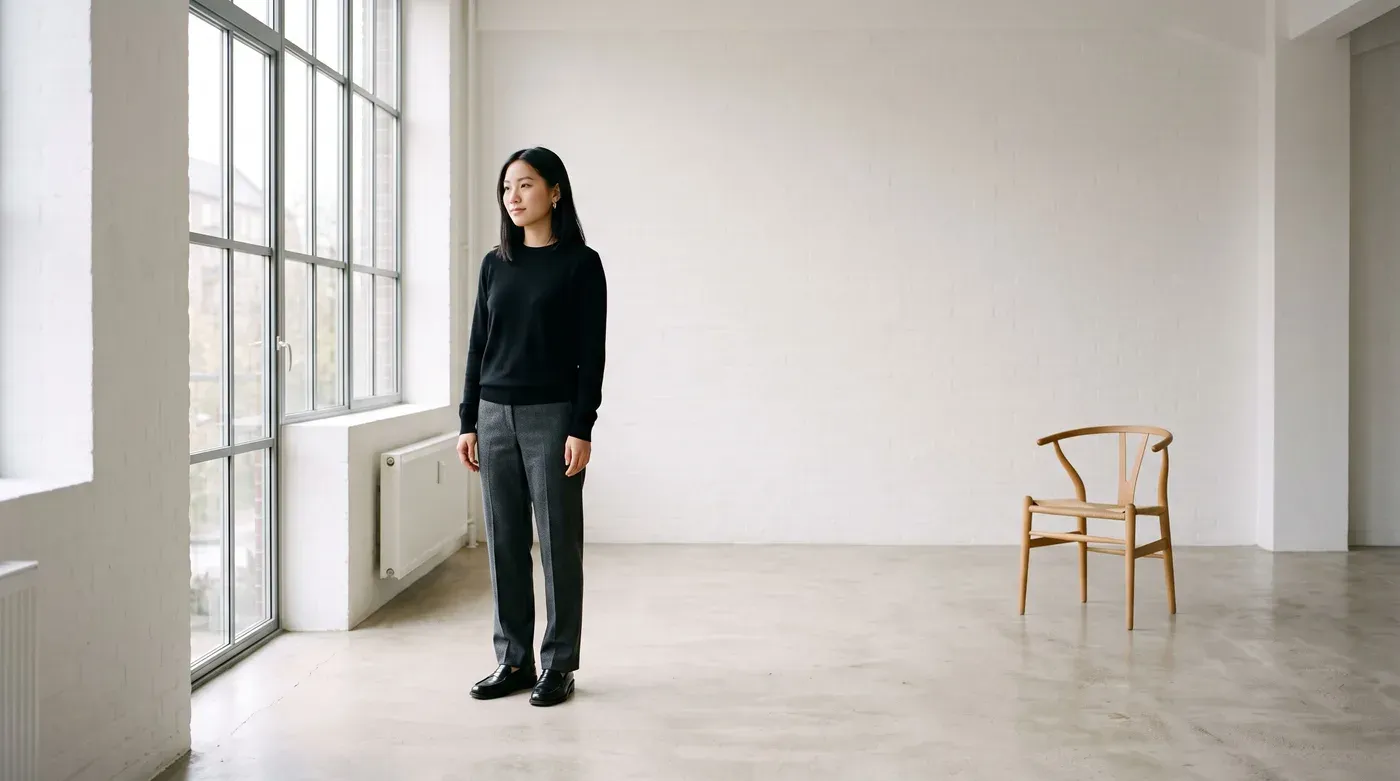
Style guides · 5 דקות קריאה
Fewer pieces, fewer decisions, better outfits. How to choose a minimalist palette, build a 10-piece capsule and repeat outfit formulas that always work.
קריאת המאמר
How-to guides · 7 דקות קריאה
A simple seven-step routine that turns your closet into a week of ready-to-wear outfits, using an AI stylist, virtual try-on and an outfit calendar.
קריאת המאמר
Style guides · 5 דקות קריאה
Relaxed but polished: the pieces, colors and small details that turn jeans and a T-shirt into an outfit that looks effortlessly put-together.
קריאת המאמרKeep exploring
On iPhone, Outfitual finds the clothes in photos you already have and turns them into wardrobe pieces.
Explore Find clothes in your photosPlan outfits on a calendar, log what you wear, pack for trips and see which pieces earn their place.
Explore Outfit plannerChat with a personal AI stylist that builds outfits from the clothes you already own.
Explore AI stylistYour wardrobe, reimagined
Outfitual is coming to iPhone, Android and the web. Join the list and we’ll tell you the moment it’s ready.