Drag to spin
Explore the look from every side, frame by frame.
See it from every angle
One tap turns a saved look into a rotation video. Spin it with your finger, then save or share it in seconds.
Коротка відповідь
Save a try-on look in Outfitual and choose “See it in 360°”. The app creates a short rotation video you can drag to spin, save to your phone and share to TikTok, Instagram Reels or any other app.
Explore the look from every side, frame by frame.
Send it to TikTok, Instagram Reels or any app, with a caption ready to copy.
Keep it in your photo library to post whenever you like.
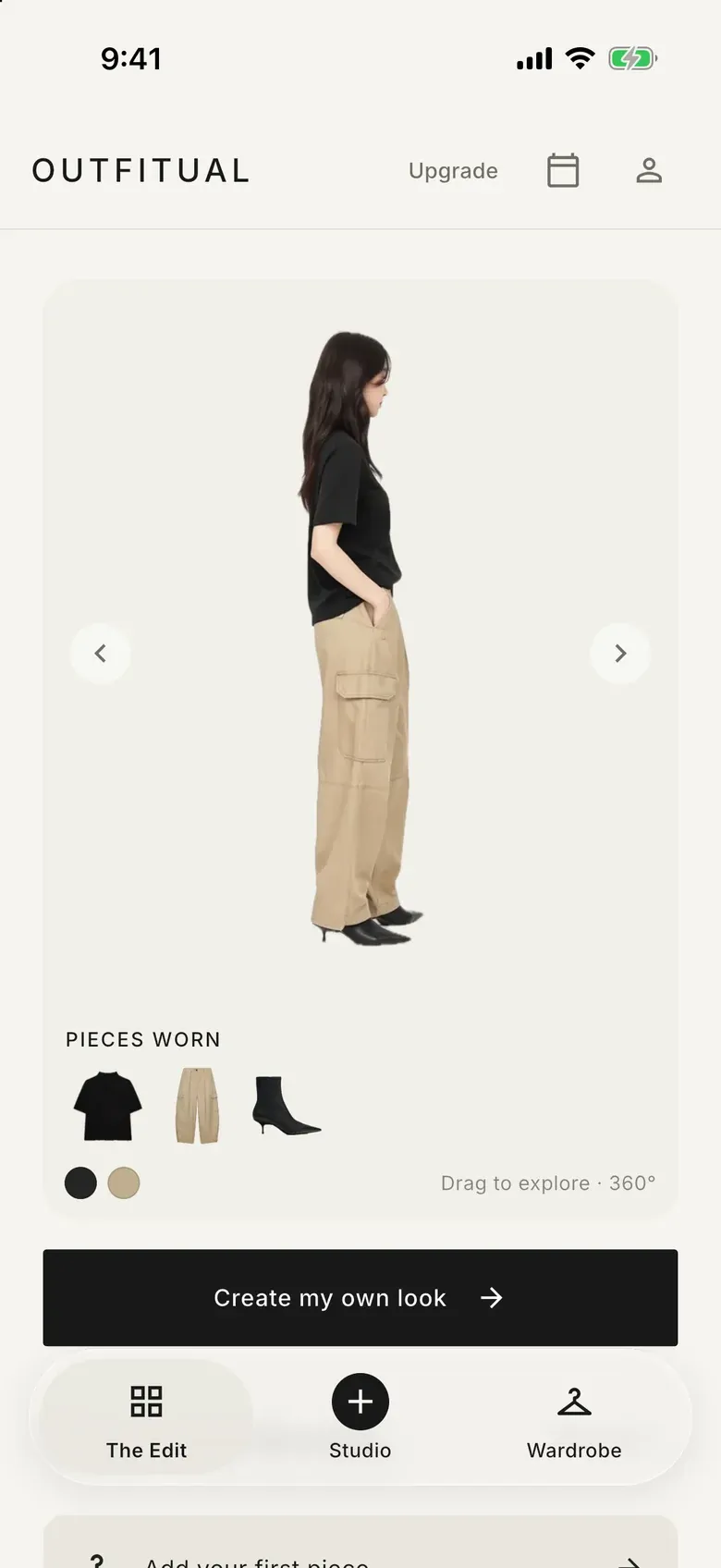
The Edit shows curated outfits you can spin, with every piece and color.
How it works
Create a try-on preview in Studio and save it.
Start the rotation. It keeps working while you browse.
Drag to explore, then save the video or share it straight to your favorite app.
The first thing you see in Outfitual is The Edit: curated outfits you can rotate a full 360°. Each one shows the pieces worn and the outfit’s color palette. Tap a piece for a closer look, add it to your wardrobe, or tap “Try this look” to open it in Studio.
Your 360° video opens directly in TikTok or the Instagram Reels editor, ready for your own caption and music. More options opens the share sheet for messages, stories and everything else. Nothing is posted without you.
Questions
Yes. Open your 360° video and choose TikTok or Instagram Reels, or use More options for any other app.
Yes. Save it to your photo library on iPhone or your gallery on Android, then post it whenever you like.
No. It’s an AI-generated rotation of your saved look for inspiration and sharing. It doesn’t measure your body.
Outfitual’s home screen: curated looks you can rotate in 360°, with the pieces worn, their colors and a shortcut to try the look yourself.
From the style blog
Style guides · 5 นาทีในการอ่าน
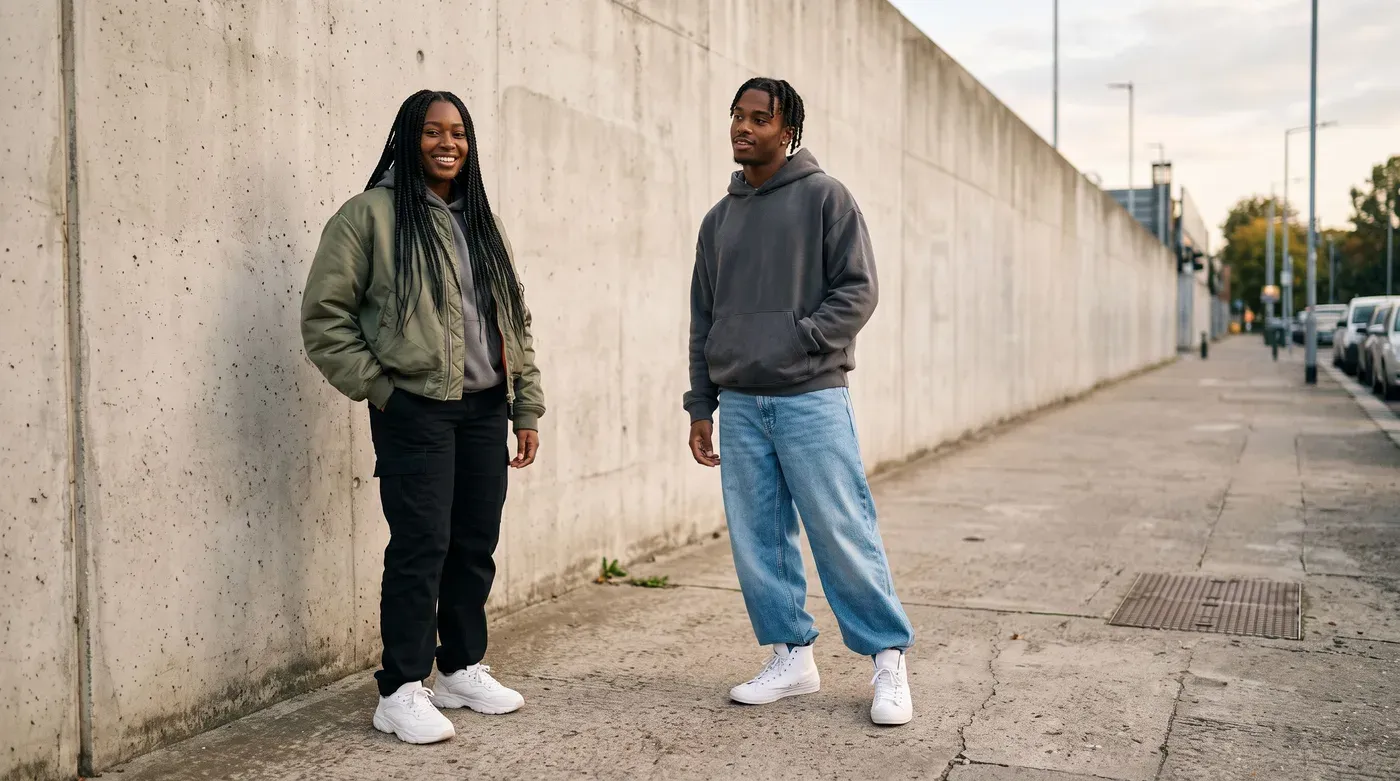
Hoodies, bombers, wide jeans and the right sneakers. The pieces, proportions and colors behind streetwear that looks relaxed on purpose.
อ่านบทความ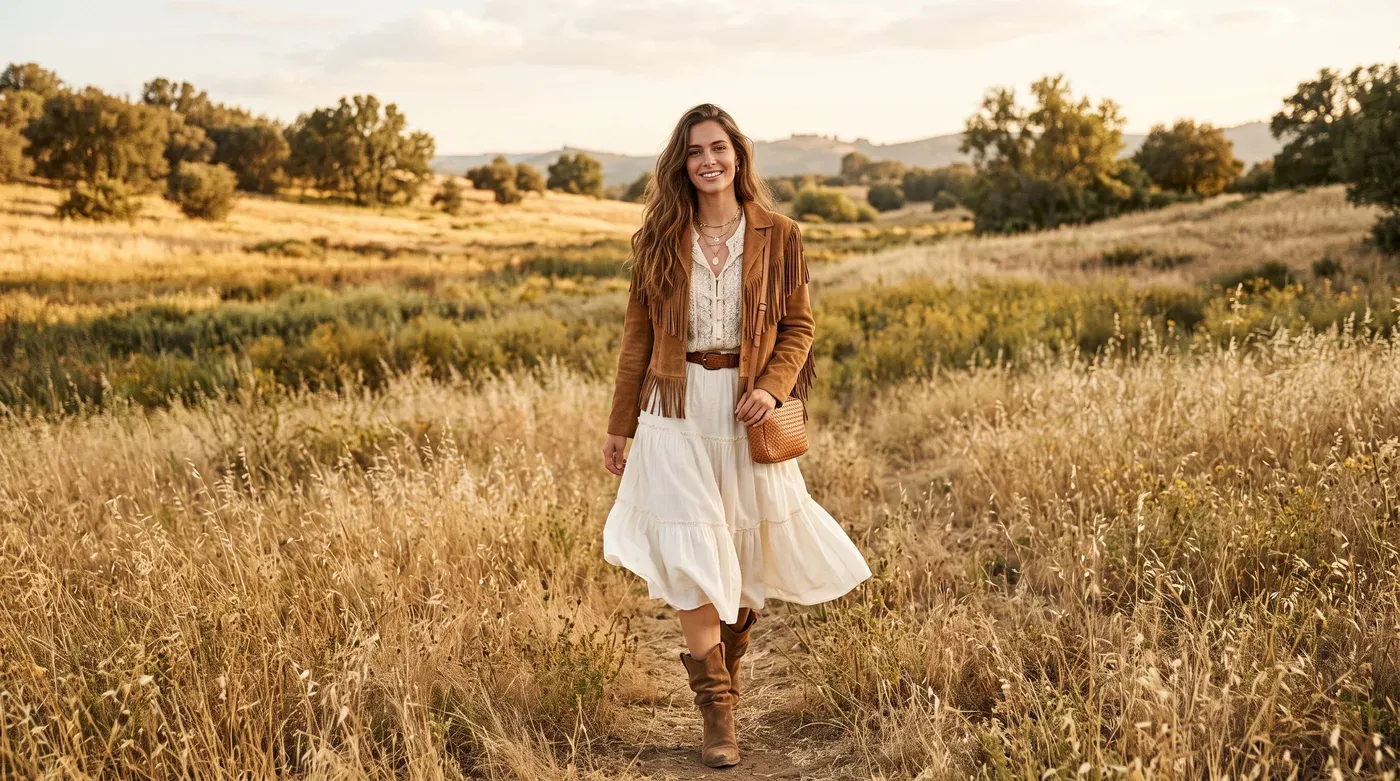
2026 trends · 4 นาทีในการอ่าน
Boho has grown up. The suede, fringe and earthy color combinations defining 2026, and how to wear them to the office as well as the weekend.
อ่านบทความ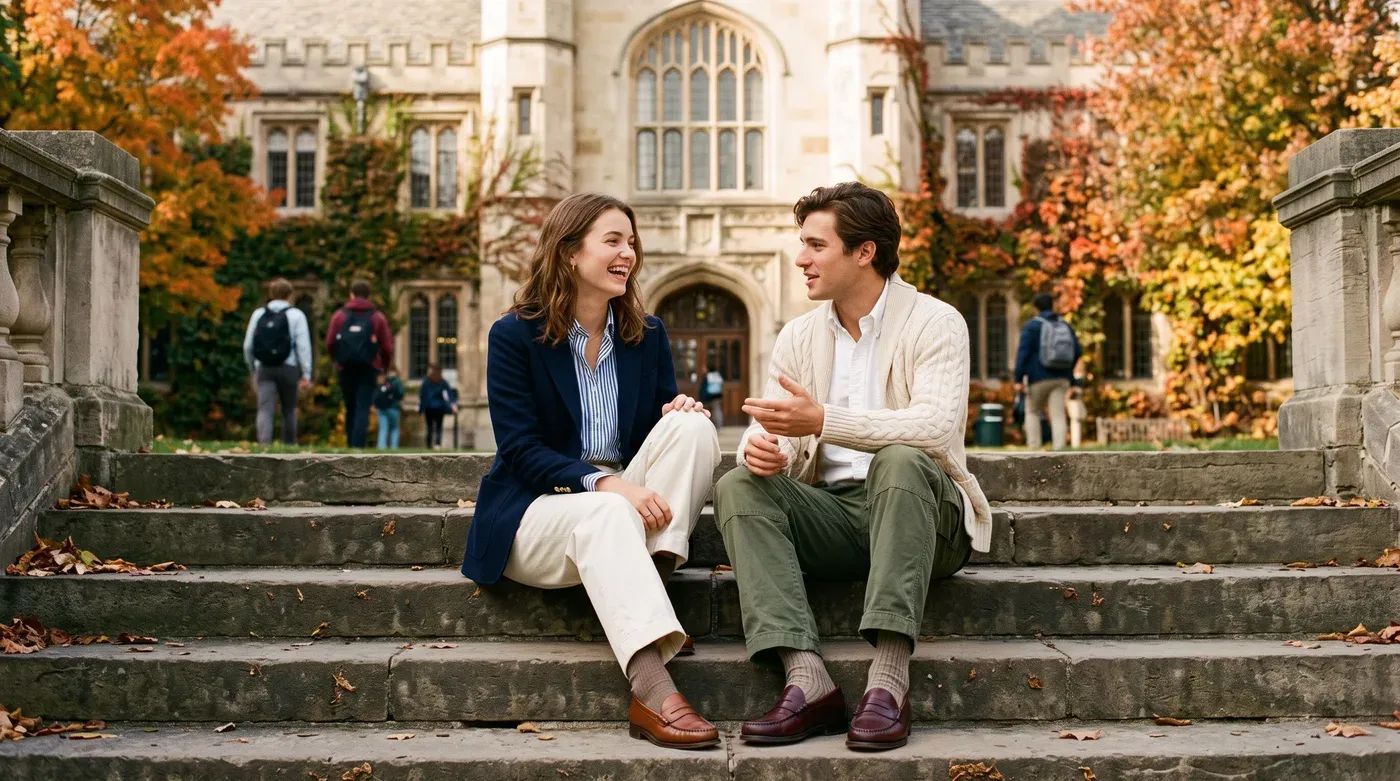
2026 trends · 4 นาทีในการอ่าน
Preppy is back, but relaxed. Navy blazers, rugby stripes and army-green utility trousers, plus the color combinations that tie them together.
อ่านบทความKeep exploring
See clothes on your own photo before you get dressed or buy, from your wardrobe or any outfit picture.
Explore Virtual try-onChat with a personal AI stylist that builds outfits from the clothes you already own.
Explore AI stylistYour whole closet in your pocket: add pieces in seconds, get clean cutouts and keep a separate wishlist.
Explore Digital wardrobeYour wardrobe, reimagined
Outfitual is coming to iPhone, Android and the web. Join the list and we’ll tell you the moment it’s ready.